
Light and dark, built in
Both colour variations ship with the style. Members switch with one tap in the header or footer.
XenForo 2.3 theme · Made by the Suite team
An illustrated XenForo 2.3 theme from the XFMobile Suite team: section covers, a shared category symbol, member and staff profile defaults, and light and dark in one style.
Included with every XFMobile Suite licence. XenForo 2.3.11+.
Real screens
Captured from XenForo 2.3 with the style installed and sample content. Try the demo yourself →
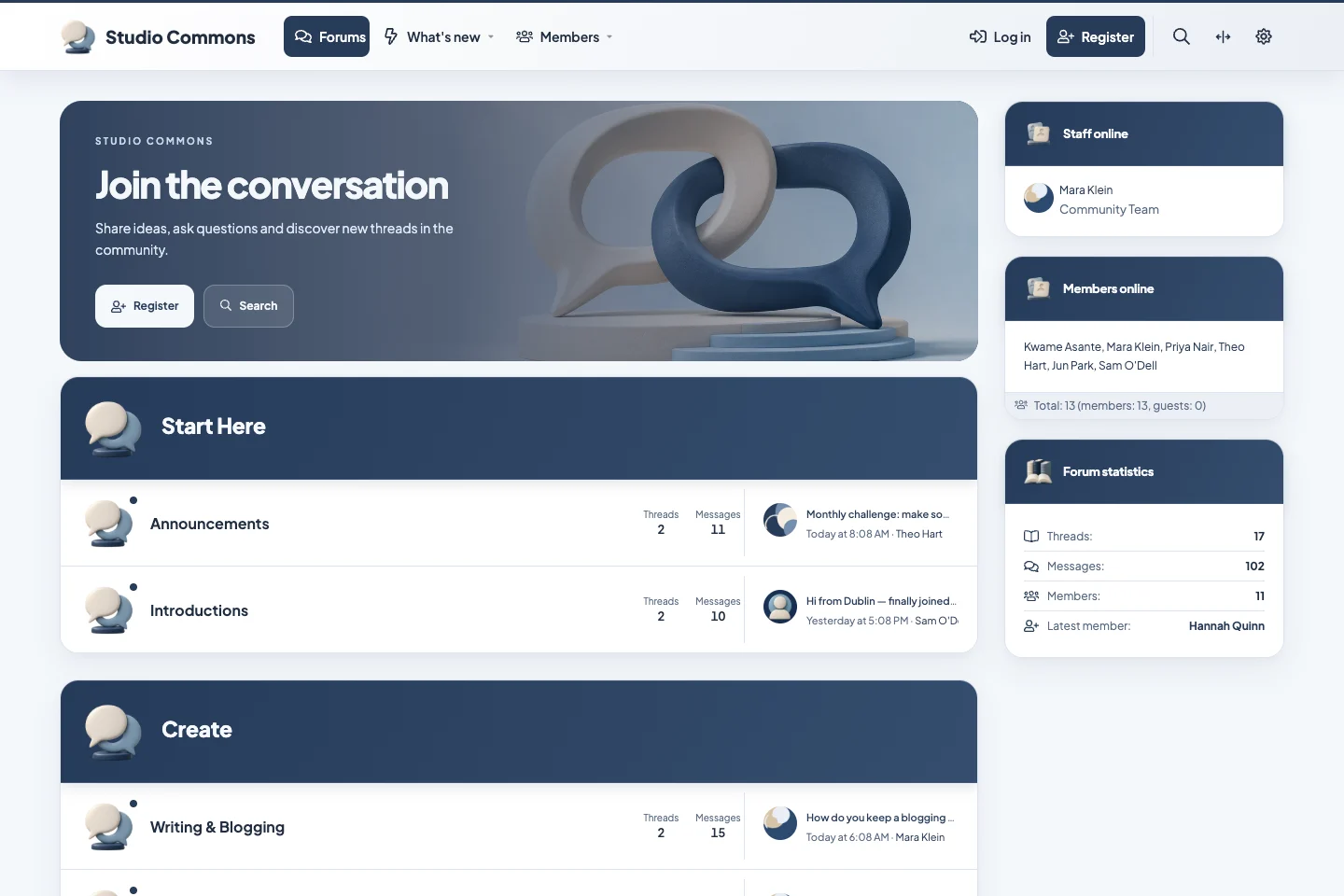
Forum home in light mode: community cover, category headers and the online sidebar
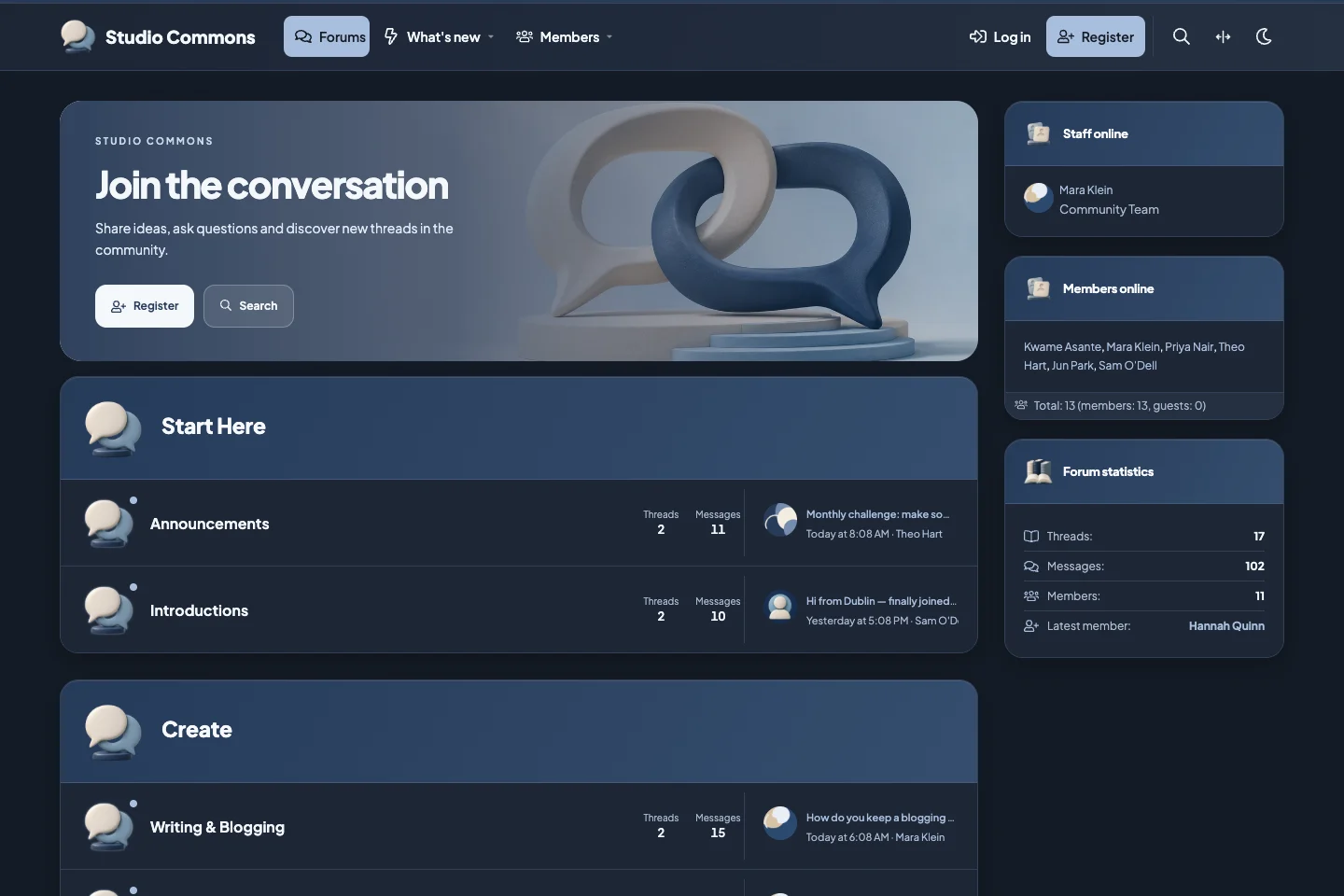
The same forum home in dark mode
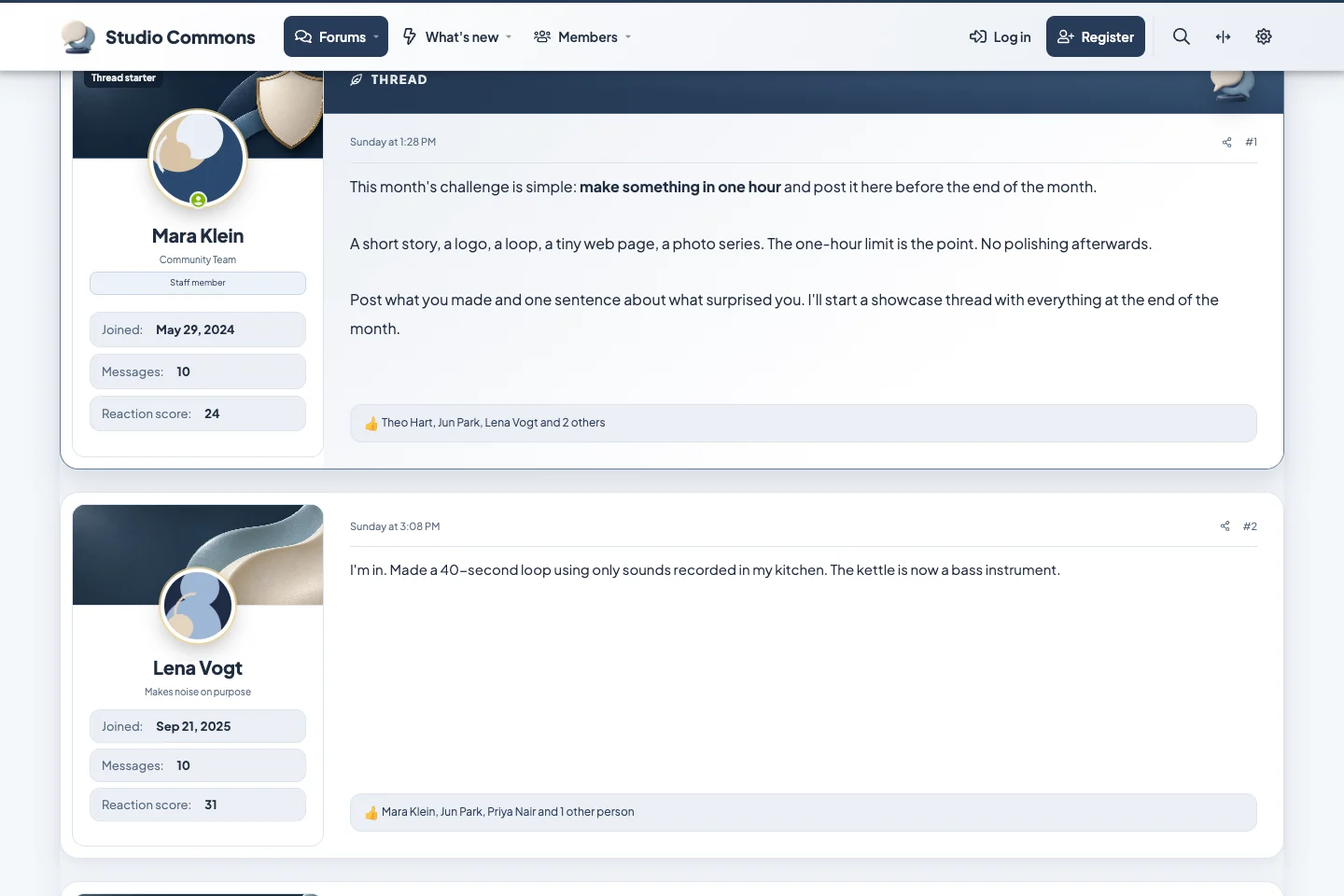
A discussion with member cards, profile covers and reactions
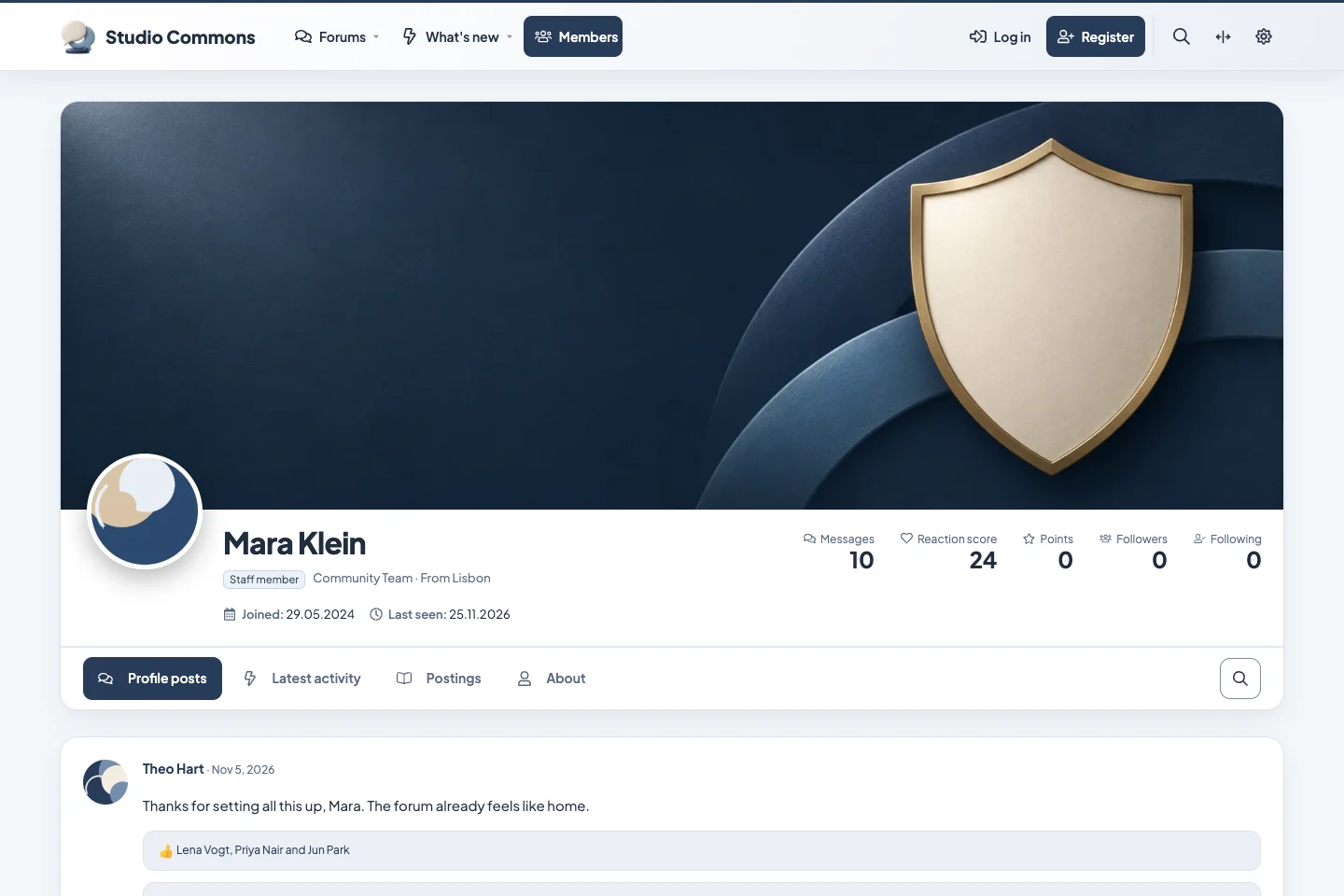
Staff profile with the shield cover and avatar
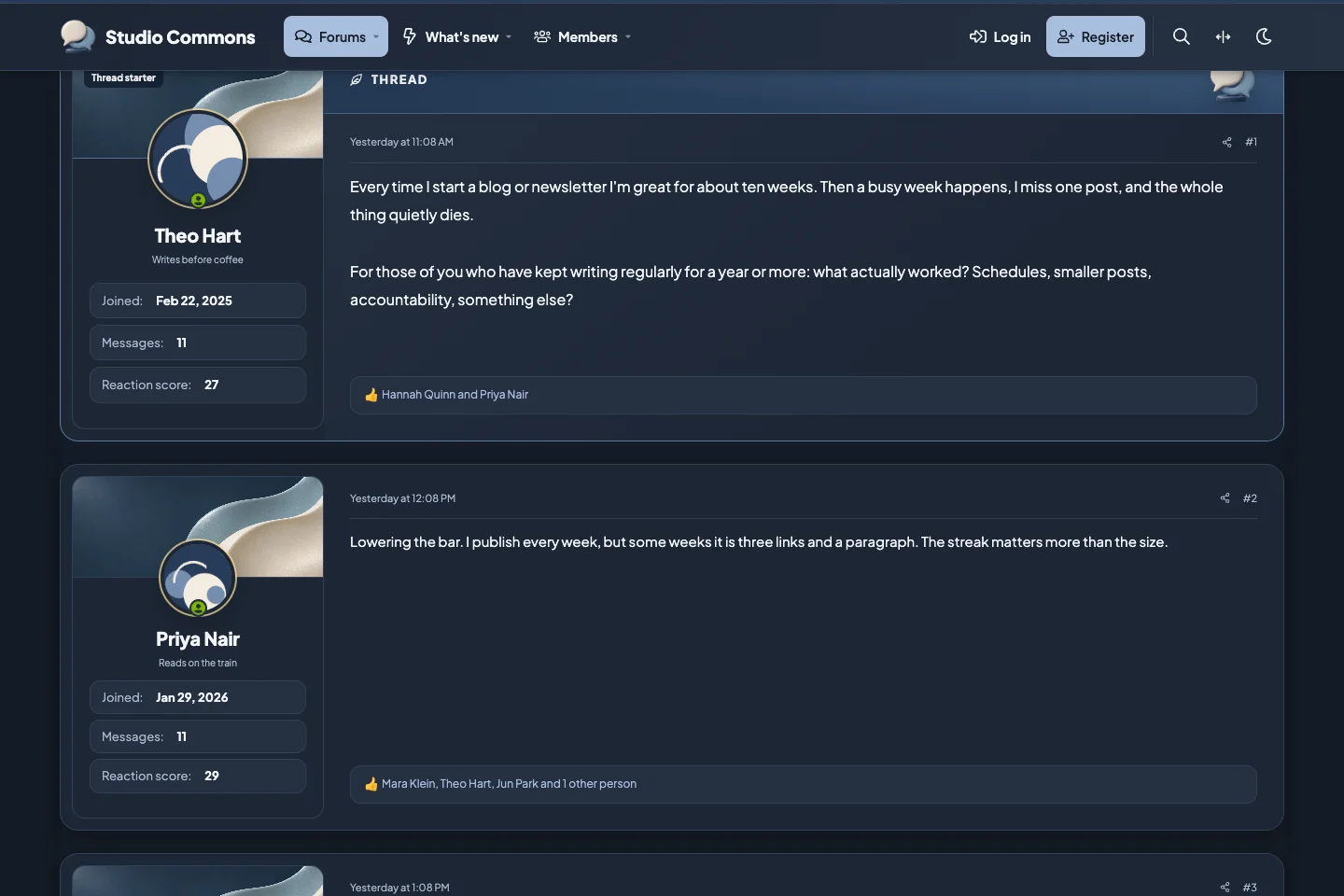
A discussion in dark mode
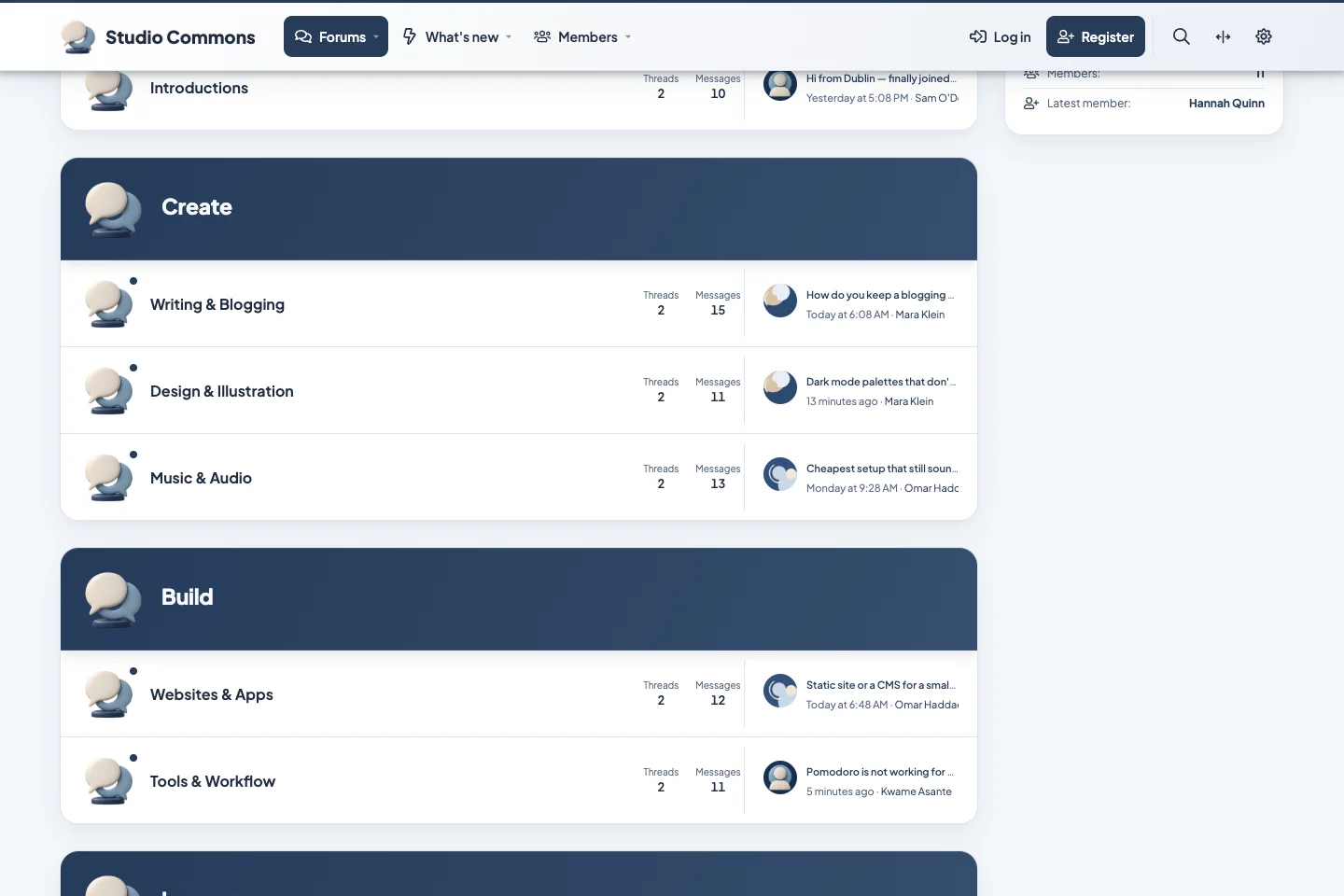
Categories and forums with the shared category symbol
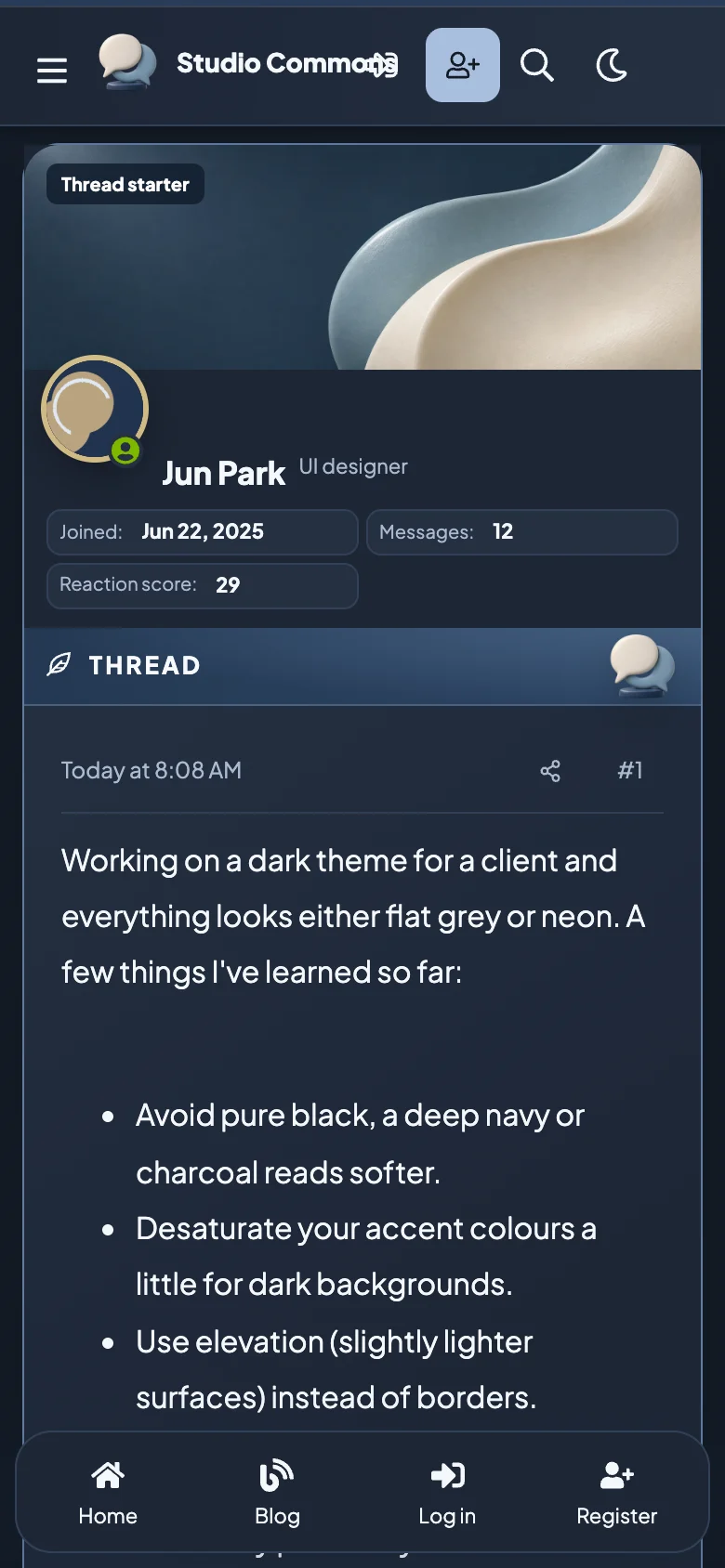
Demo members, threads and replies are sample content. Your forum shows your own community.
What you get
Install it in one step, add your logo and your forum looks designed, on desktop and on phones.
Both colour variations ship with the style. Members switch with one tap in the header or footer.
Covers for the home page, sections, sign-in and profiles, plus empty-state art for search, inbox and new forums.
Default avatars and profile covers, with a shield set for administrators and moderators. Uploaded avatars always win.
The header uses your board title and the theme symbol until you add your own logo in the standard style properties.
Appearance → Styles → Import, choose the ZIP and the style arrives with every image. No add-on to install.
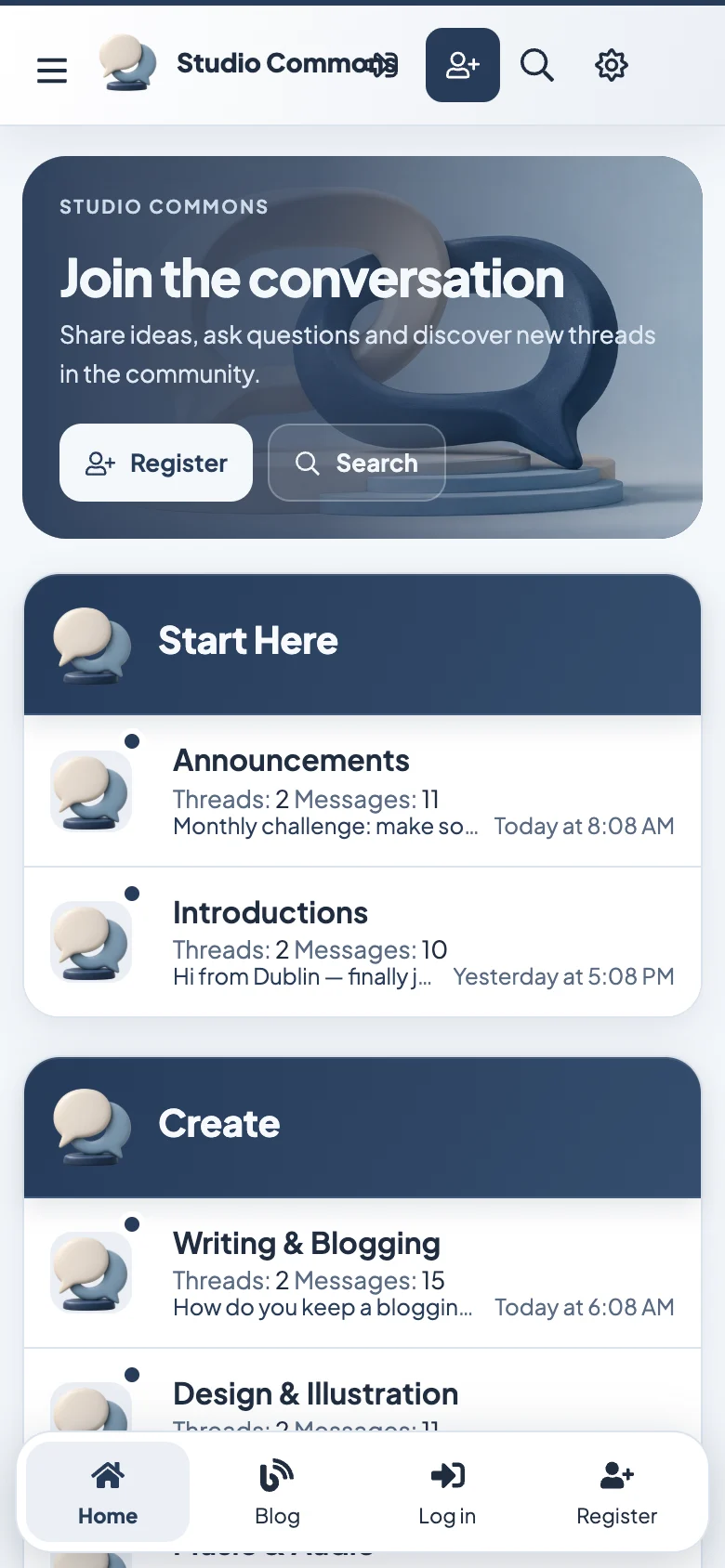
A bottom navigation bar, roomy touch targets and covers that crop well on small screens.
Forum Studio is made by the same team as XFMobile Suite, the add-on that runs branded XenForo apps. We use it on our own community, so it is tested against the pages a busy forum really uses: long threads, member profiles, search with no results, an empty inbox and a forum that has not had its first thread yet.
The style ships covers for the home page, sign-in and registration, profiles, and section headers. If your forum uses a resource library, a media gallery or a marketplace, those pages have their own covers too. Each cover is cropped for wide screens and phones, so the focal point stays visible.
Per-forum illustrations need a new drawing every time you add a forum. Forum Studio uses one shared category symbol that looks right next to any forum title, whatever your community talks about. Add, rename and reorder nodes freely.
Forum Studio gives every member a default avatar and cover, and gives administrators, moderators and staff a separate shield set. Members can tell at a glance who runs the forum, and a brand-new forum never looks like a wall of blank avatars. Uploaded avatars and covers always take priority.
The theme is a standard XenForo 2.3 style with variations, style properties and templates. Your logo goes in the usual logo fields, cover and footer texts are style properties, and you install it from Appearance → Styles → Import like any other style. Customise it in a child style and future updates will not touch your changes.
One forum · One year of updates
One-time payment. You get the XenForo style, the 23 original PNG illustrations and a year of updates. Already have XFMobile Suite? Forum Studio is included — download it from the customer portal.
Light and dark XenForo 2.3 style with 23 illustrations and member/staff default profiles. One forum, one year of updates.
Questions